What is a refresh token — and why you sometimes get logged out everywhere
Familiar situation: you've been using an app for weeks, all fine. Then suddenly you're logged out — on the phone, the laptop and the tablet at once. You didn't change your password. You did nothing.
Usually that isn't a glitch. It's a protection firing, and it's built around the refresh token. Let's unpack it.
What a refresh token is, in plain words
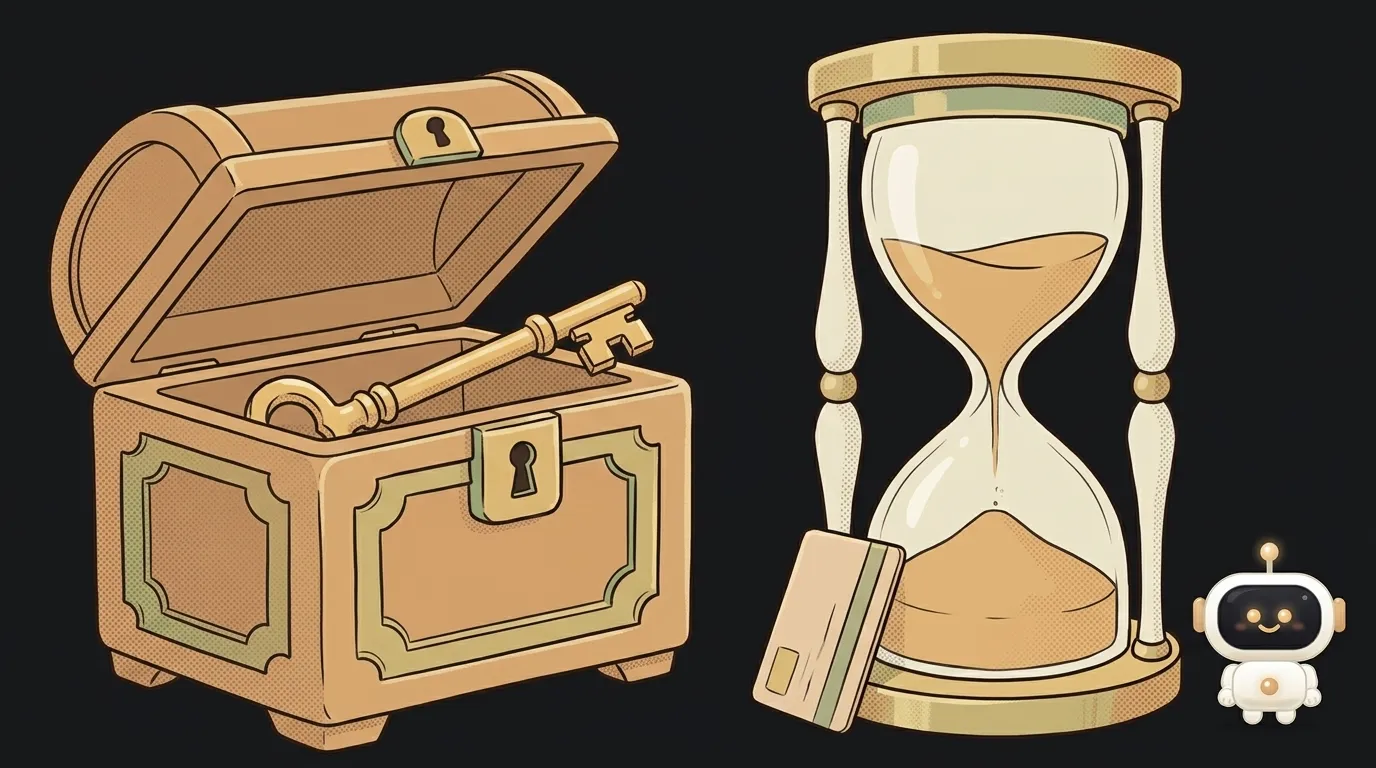
After you sign in, the server hands you two keys, not one.
- The access token is a pass. You show it on every request. It lives for minutes.
- The refresh token is a voucher for a new pass. It lives for weeks and is shown rarely.
An analogy: the badge for an office building rides in your pocket and goes through the turnstile a hundred times a day. The lease sits in a safe, and you take it out once a year to renew the badge.
The point of the trade: whatever travels often should be cheap to lose. Whatever is valuable should sit still.
Why the access token is so short-lived
Here's the interesting part. An access token is usually a JWT — a self-contained thing: the server checks the signature and lets you in without looking in the database.
That's fast, and that's also the trap. Since the server never consults the database, it can't learn that the token was stolen. There's nowhere to revoke it.
The only protection left is time. That's why an access token lives five to fifteen minutes: if it's stolen, the attacker gets a quarter of an hour, not half a year.
The thing that can be revoked is the refresh token: the server keeps it and can cross it out any moment.
Rotation: every exchange issues a new pair
The modern approach is not to reuse a refresh token. You trade the old one for a fresh pair, and the old one dies instantly.
That's not paranoia but a requirement: the current OAuth security best practice (RFC 9700) says that for public clients — mobile apps and frontends — refresh tokens must either be bound to the client or use rotation.
The logic is simple. Even if a refresh token leaks, it's only valuable until the next refresh. After that it's dead.
Why you get logged out everywhere at once
Now the answer to the question we opened with.
The same document tells servers to revoke the whole token chain if a refresh token is reused. The reasoning: an honest client already threw the old token away. If someone used it, someone holds a copy. The server can't tell which of the two is the thief, so it cuts off both.
Hence the "logged out on all devices" effect. Usually the culprit isn't a hacker but an everyday scenario:
- the app fired two refresh requests at once, and the second one carried the old token;
- the phone was restored from a backup holding an already-used token;
- the request went out, the reply died in a tunnel, and the app retried later.
What to do on your side: refresh in exactly one place in the code, and queue callers so parallel requests wait for one refresh instead of starting five.
What the exchange looks like in practice
No magic — it's an ordinary request to the auth server:
POST /token
grant_type=refresh_token&refresh_token=OLD_TOKEN
Three things come back: a new access token, its lifetime in seconds and — when rotation is on — a new refresh token.
Now the important bit. The refresh token you just received must be written over the old one immediately, before you carry on. The classic beginner bug: refresh the tokens, feel good, retry the original request — and forget to persist the new pair. The app runs fine until a restart, after which it loads a spent token from disk and gets logged out.
Also: don't refresh "just in case" on a timer. Reacting to a 401 from your own API is simpler and more reliable.
Where to keep a refresh token
Since it lives long, the rules for it are stricter.
- In a mobile app — only in secure storage, never in settings.
- On the web — in a cookie with
HttpOnlyandSecure, so page scripts can't read it.
The access token can simply live in memory. It expires in ten minutes anyway.
FAQ
Can I get by with a single token?
You can, but you'll pick one of two pains. A long-lived token is convenient, yet a stolen one works for months. A short-lived one is safe, but the user logs in every hour.
Is a refresh token also a JWT?
Often not, and that's deliberate. It's usually just a random string recorded in the database: the whole point of a refresh token is that it can be revoked, and a self-verifying JWT can't be.
How long should it live?
For an ordinary app, a week to a month with rotation is fine. For a banking one, hours. If you're being kicked out well before that, the causes are in why I keep getting logged out.
The AI Architect 2027 course: step by step from computer basics to your own app and first customers. 543 short lessons on your phone.
Read next

Ed25519 vs RSA — which SSH key to choose in 2026

What is sudo — and why it asks for your password, not the admin's

What is a tar.gz file — and why a tar archive can be bigger than the files

What is a command-line flag — and why git commit -ma breaks but -am works

scp or rsync — and why rsync sent 141 bytes instead of two megabytes the second time
