What is secure storage — and why an app doesn't know its own key
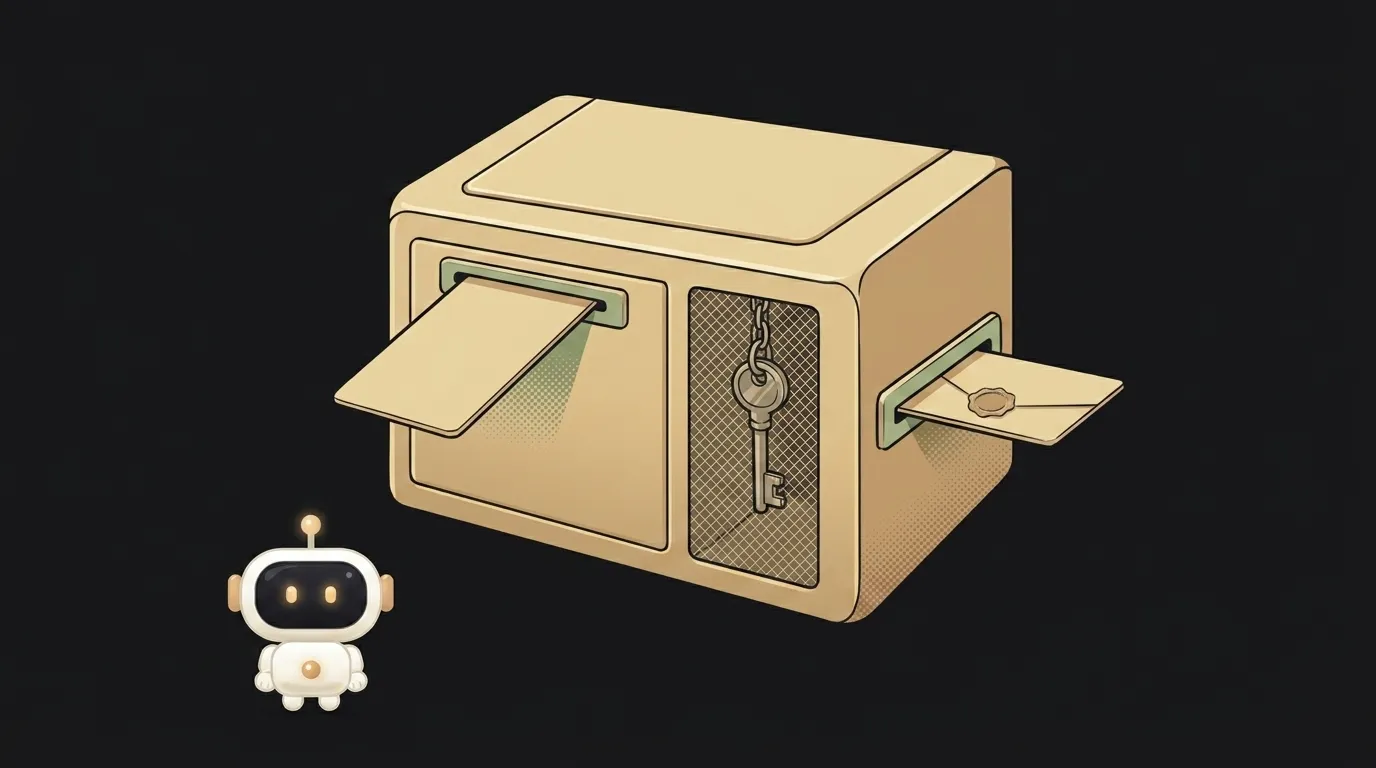
Odd thing: an app can store a secret in a way that it can't read back itself. It puts a key into a chip and afterwards only asks: "encrypt this for me." The key never comes out — not even into the app's own code.
Sounds like overkill. But that's exactly what makes Face ID login work, and what keeps your token from leaking along with a stolen phone.
What secure storage is, in plain words
It's a separate cupboard the operating system keeps for small secrets: tokens, keys, passwords.
- On iOS it's called the Keychain.
- On Android it's the Keystore.
The key difference from a normal app file is that the system owns the cupboard, not you. It decides who gets the contents and under what conditions — say, only after a fingerprint, and only while the phone is unlocked.
You can't put gigabytes in there, and you don't need to. It's a safe for keys, not a warehouse.
The key you can't carry away
Here's the mechanic worth understanding.
When a key is created "in hardware", its key material never enters the application process — that's how Android's own documentation puts it. The app sends data into the secure chip and gets a result back: a signature or a ciphertext.
That has a big consequence. If the app gets compromised, an attacker can use the key on that phone, but can't copy it and take it home. Huge difference: a stolen pile of keys is useless remotely.
On Android 9 and newer some devices go further with StrongBox, a separate secure chip. On Apple devices the same role belongs to the Secure Enclave.
Where a token should never go
Three places where a secret is effectively plain text:
UserDefaultson iOS andSharedPreferenceson Android — those are ordinary settings files;localStorageon the web — any script on the page can read it;- the app's own code. A key baked into the app is extracted by unpacking the file in a couple of minutes — see how to store API keys safely.
Simple rule: settings go in settings, secrets go in storage.
What happens while the phone is locked
A secret isn't always available — and that part is yours to configure.
Every Keychain item has an accessibility class. The strictest one hands the secret over only while the screen is unlocked. A softer one — "after first unlock" — keeps the secret reachable until reboot, even if the phone is locked again. On Android the equivalent is requiring an unlocked device for the key.
The difference shows up somewhere unexpected: in the background. Your app wakes up at night to sync, reaches for the token and is refused, because the phone is lying locked on a nightstand. While debugging this looks like random network errors, though the network has nothing to do with it.
Simple rule: the more often a secret is needed in the background, the softer the class — but never softer than you actually need.
The catch: secrets survive uninstalling the app
A non-obvious iOS behaviour everyone trips over.
You delete the app — its data goes away. Keychain entries stay. You reinstall and find yourself already logged in, even though you clearly wiped everything.
Apple says plainly that this is a side effect of the implementation and shouldn't be relied on. But you can't rely on cleanup either — in practice it behaves exactly like that.
The fix is one line. On first launch check a flag in UserDefaults (that one does get deleted with the app). No flag means a fresh install: clear the Keychain and start clean.
On Android the familiar library is deprecated
If you find EncryptedSharedPreferences in an old tutorial, know this: the whole androidx.security-crypto library was deprecated in 1.1.0, and there will be no further releases.
The current path is Jetpack DataStore. For encryption there's the datastore-tink artifact: it encrypts the contents through the Tink library and keeps the key for that in the Keystore. Same scheme as before — data in a file, key in hardware.
FAQ
Does this save me if the phone is rooted or jailbroken?
Partly. The key still can't be extracted, but on that device it can be used. So the server still needs short token lifetimes and a way to revoke a session — that's what a refresh token is for.
Is there something like this in the browser?
Not a full equivalent. The closest option is not to keep the token in JavaScript at all, but to hold it in a cookie marked HttpOnly, where scripts can't reach it.
Do I have to ask for a fingerprint on every read?
No, that's your call. A sane compromise is biometrics on app entry and on money-related actions; the right way to wire that is in how to add biometric login.
The AI Architect 2027 course: step by step from computer basics to your own app and first customers. 543 short lessons on your phone.
Read next

Ed25519 vs RSA — which SSH key to choose in 2026

What is sudo — and why it asks for your password, not the admin's

What is a tar.gz file — and why a tar archive can be bigger than the files

What is a command-line flag — and why git commit -ma breaks but -am works

scp or rsync — and why rsync sent 141 bytes instead of two megabytes the second time
