What is a tree in programming — and why the database stores it as a flat list
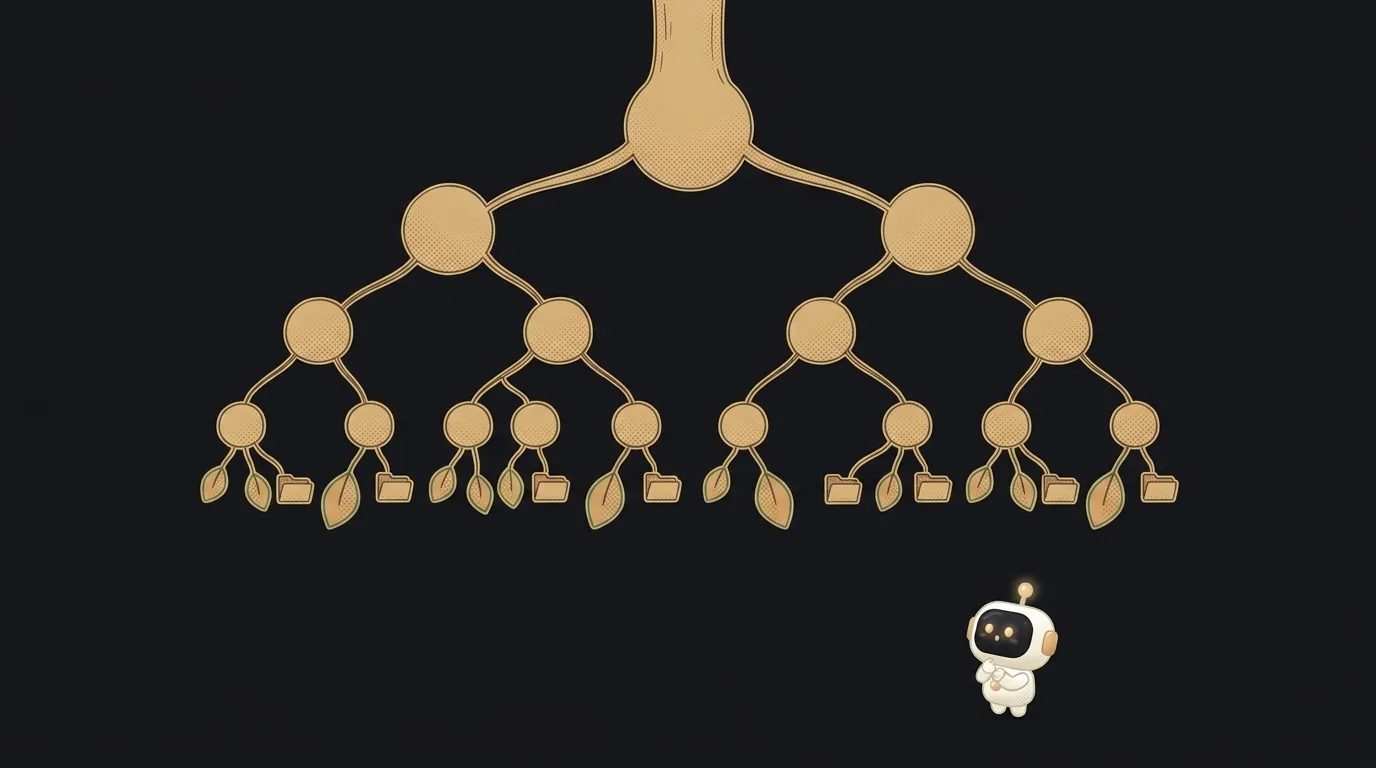
You've already used a tree today. More than one. You opened a folder inside a folder. You read a reply to a reply to a comment. You expanded a menu "Settings → Account → Security". All of those are trees.
Now the unexpected part. Ask an AI to build threaded comments, look inside the database — and you won't find any tree there. Just an ordinary flat table, row after row. The tree gets assembled in code, on the fly. Let's see how that works: you'll need it in your very first project with nesting.
What a tree is — in one line
A tree is a way to store data where every item has one parent and any number of children. Except the very top one: it has no parent.
The names come from a real tree, just drawn upside down:
- root — the topmost item, where everything starts;
- node — any item in the tree;
- parent and children — a node and the ones hanging directly below it;
- leaf — a node with no children, the end of a branch.
Folders on your computer are the perfect example. The drive is the root. Folders are nodes. Files are leaves: nothing lives inside a file.
Where you meet trees every day
Once you notice the shape, trees turn up everywhere:
- A web page. The browser turns HTML into a tree of elements: inside
bodyis adiv, inside it a button. That tree is called the DOM. - A server's JSON response. An object inside an object inside a list — also a tree. More on the format in what is JSON.
- Threaded comments. The post is the root, comments are children, replies are grandchildren.
- Menus and store categories. "Clothing → Shoes → Sneakers".
- A React interface. Components are nested inside each other — and React keeps them as a tree.
The key property in all these cases: the depth isn't known in advance. A reply to a reply to a reply — how many levels will there be? Nobody knows. And that decides how you work with a tree.
How to walk a tree of unknown depth
A plain loop stumbles here. It's fine when there are one or two levels. But what if there could be twenty?
A clever observation helps: every branch of a tree is a tree itself. The "Shoes" branch has its own root and its own children. So it's enough to write a function for one node: "handle yourself, then call me again for each child".
function countFiles(folder) {
  let total = folder.files.length
  for (const child of folder.folders) {
    total += countFiles(child) // same function, for the branch
  }
  return total
}
The function calls itself until it reaches the leaves. That's called recursion. It doesn't care how many levels there are: two or two hundred.
Why the database stores a tree flat
Back to the puzzle. Tables in a database are flat: rows and columns, no nesting. How do you put a tree in there?
Very simply: each row remembers only its parent.
id | text            | parent_id
1  | Great post!     | null
2  | Agreed          | 1
3  | I disagree      | 1
4  | Why?            | 3
The first comment has no parent — it's the root of the thread. The second and third are replies to the first. The fourth is a reply to the third. The tree is there, but hidden in the parent_id column. The code fetches the rows as a list and sorts them into branches itself.
Why not store it as a tree right away? Because this is easier to change. A new reply — one new row. Move a branch — change one number. No rebuilding.
Why this matters if AI writes your code
When you recognize a tree in your task, you can give the model a precise brief. Compare:
Make comments with replies.Threaded comments with unlimited depth. In the database store them flat: each comment has a parent_id field (null for top-level ones). On the client build the tree from the list and render it with a recursive component, each level indented. Deleting a comment must not delete its replies — show "Comment deleted" instead of the text.In the second prompt you've closed three traps at once: hard-coded depth, an awkward database schema, and losing branches on delete.
How is a tree different from a list?
In a list each item has at most one neighbor in front and one behind — it's a chain. In a tree an item can have any number of children, so it branches.
How is a tree different from a graph?
A tree node has exactly one parent, and there's only one path from the root to any node. In a graph connections can be anything: friends of friends, roads between cities where you can go in circles.
What happens if a tree is very deep?
Recursion over thousands of levels can hit the function-call limit and crash with a stack overflow error. For ordinary comments and menus you're nowhere near that.
The AI Architect 2027 course: step by step from computer basics to your own app and first customers. 543 short lessons on your phone.
Read next

Ed25519 vs RSA — which SSH key to choose in 2026

What is sudo — and why it asks for your password, not the admin's

What is a tar.gz file — and why a tar archive can be bigger than the files

What is a command-line flag — and why git commit -ma breaks but -am works

scp or rsync — and why rsync sent 141 bytes instead of two megabytes the second time
