What is GGUF — and how to read a model filename like Q4_K_M
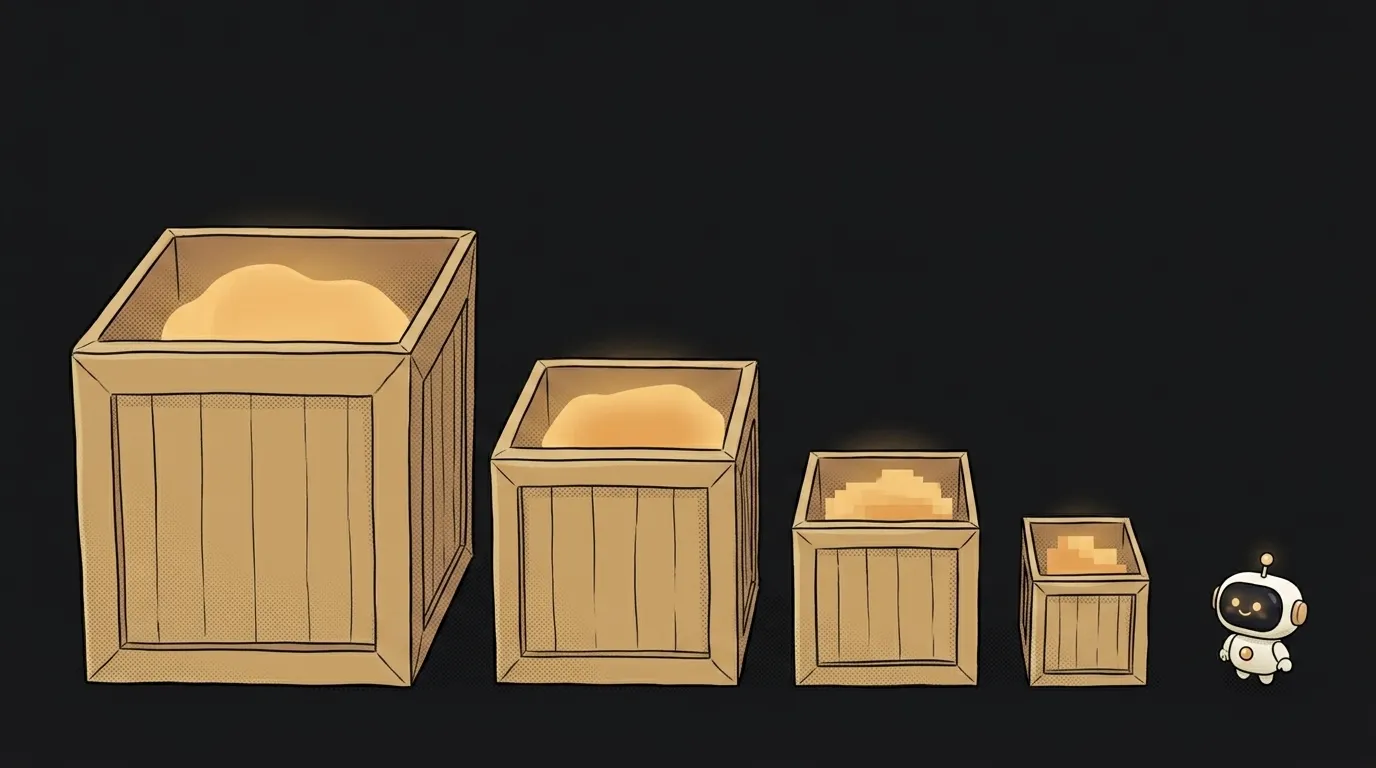
You go to download a model and find not a file but a list of a dozen. Same name, different sizes: 16 GB, 8.5 GB, 4.9 GB, 3.2 GB. And tails like Q4_K_M, Q5_K_S, Q8_0.
Here's the surprise: it's the same model. Not a junior and a senior edition, not different versions. The same knowledge, packed at different levels of coarseness. Choosing between them is choosing between "fits in my laptop" and "slightly smarter".
Let's read that filename letter by letter.
What GGUF is
GGUF is the file format a model lives in on disk. Not an architecture, not a company, not an "AI version". Just a container, like .mp4 for video.
It came out of llama.cpp — the engine almost every local model runs on. Its core idea is everything in one file.
Inside you get:
- the weights themselves (what the model learned),
- the tokenizer (how to cut text into pieces),
- metadata: architecture, prompt template, context size.
Sounds dull until you remember the old way: weights here, config there, tokenizer somewhere else, and half your problems being "that config is from the other version". Now you download one file and it stands on its own.
The other difference from raw open weights: the .safetensors files on HuggingFace assume a GPU and full precision. GGUF assumes ordinary hardware — CPU, partial GPU offload, a laptop you bought in a shop.
How to read Q4_K_M letter by letter
Here's the decoder nobody prints next to the download link.
Q4_K_M
- Q4 — how many bits per weight. It was 16, now it's 4. That's quantization: the numbers inside the model are coarsened and the file shrinks several times over.
- K — the "k-quant" method: the model is split into blocks, and inside each block different parts are stored at different precision. Important bits stay sharper, the rest gets coarser. Smarter than flattening everything equally.
- M — the variant size: S (small), M (medium), L (large). It's about how many blocks were kept sharper. S is smaller and duller, L is bigger and sharper.
Q8_0 stands apart — 8 bits, the older simple method with no "K". Nearly identical to the original in quality and twice the weight of Q4.
Now the whole name reads: llama-3-8b-instruct.Q4_K_M.gguf is a model with 8 billion parameters, trained to follow instructions, squeezed to 4 bits with the k-quant method in its medium variant.
Which file to download
One rule, and it's about hardware, not quality.
The model must fit entirely in memory with room to spare. With 16 GB of RAM, take the 5–8 GB file, not the 15 GB one: the OS, your browser and the conversation context eat the rest. The moment it doesn't fit, the machine starts swapping to disk and you get one word per second.
After that, in order:
- Q4_K_M — the default. A 7–8B model lands around 4.5–5 GB here and behaves almost like the original. When in doubt, take this.
- Q5_K_M — if you have memory to spare and want a little more precision.
- Q8_0 — when you're comparing quality and don't care about disk.
- Q3 and below — only when nothing else fits. On small models this much compression visibly breaks answers.
And the counterintuitive part: a big model at a coarse quant usually beats a small model at a fine one. A 13B at Q4 tends to be better than a 7B at Q8 at a similar file size.
You're already using GGUF, even if you never downloaded one
If you've run a model through Ollama or LM Studio, you've already downloaded a GGUF — you just never saw it.
ollama run gemma3:4b fetches that same kind of file, picks the quant for you (usually Q4) and drops it in its own folder. The difference between tools is how much they let you reach in: more on that in Ollama vs LM Studio, and the whole process from scratch in how to run AI models locally.
You need the suffix knowledge at exactly one moment: when the default didn't work out — too slow, didn't fit, or the opposite, plenty of memory but weak answers.
Are GGUF and GGML the same thing?
No — GGUF replaced GGML. The old format couldn't store metadata flexibly: every new feature broke compatibility and files had to be re-downloaded. GGUF was made extensible, so new fields don't break old files. If you find a .bin marked ggml, it's an artefact of the previous era — go find the GGUF.
Why doesn't this brand-new model have a GGUF?
Because the authors publish the original (usually .safetensors), and GGUF is made by the community, converting and quantizing with llama.cpp scripts. That normally takes a few hours to a couple of days. For a genuinely new architecture it takes longer: support has to land in the engine first, or the file simply won't run.
The AI Architect 2027 course: step by step from computer basics to your own app and first customers. 543 short lessons on your phone.
Read next

Ed25519 vs RSA — which SSH key to choose in 2026

What is sudo — and why it asks for your password, not the admin's

What is a tar.gz file — and why a tar archive can be bigger than the files

What is a command-line flag — and why git commit -ma breaks but -am works

scp or rsync — and why rsync sent 141 bytes instead of two megabytes the second time
