Merge or rebase — which one should a beginner pick
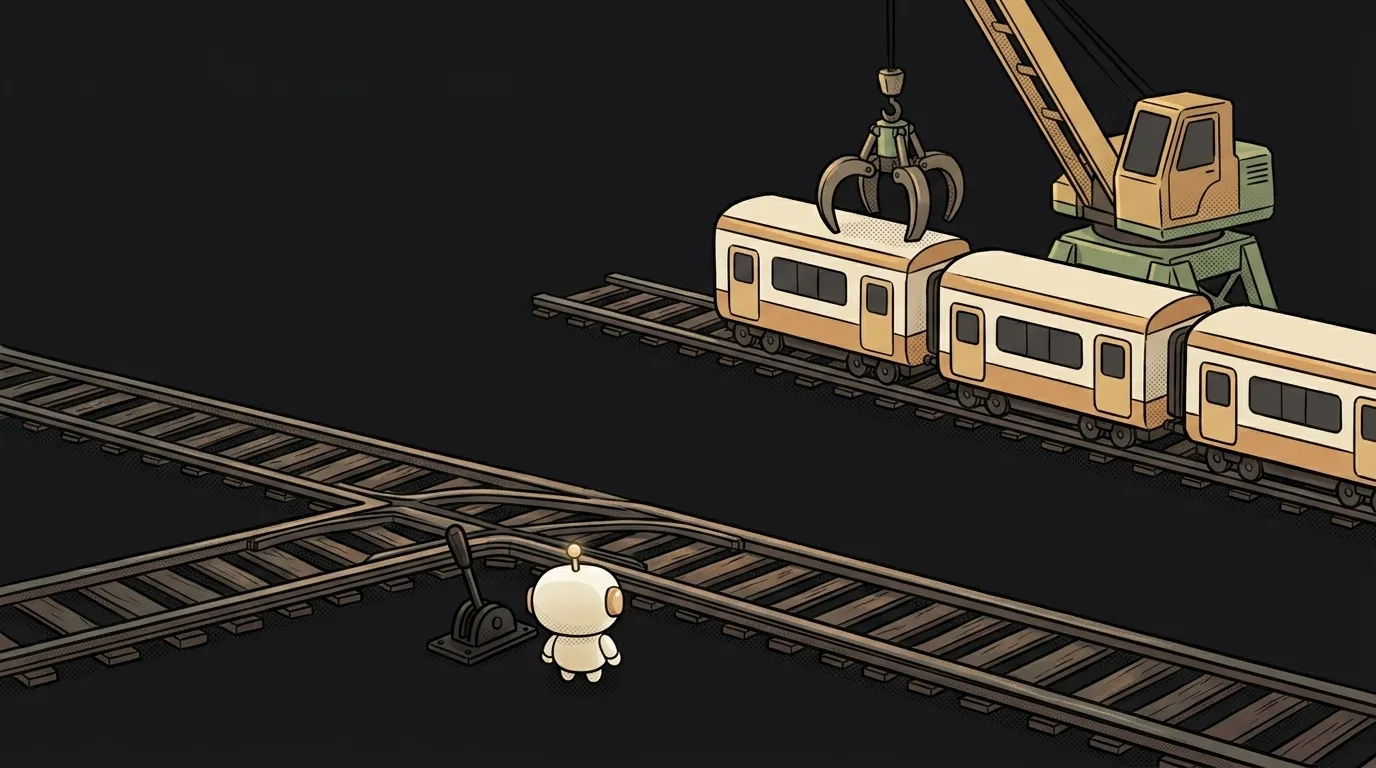
Both commands do one job: bring changes from one branch into another. Both work, and the argument between them is older than a lot of programming languages.
But one fact sorts the whole thing out immediately: rebase doesn't join branches — it rewrites them. Your commits don't move, they get copied anew: same content, different hashes. The old ones vanish from the branch. Everything useful about rebase, and the one rule you must not break, both follow from that single fact.
What each command does
The setup: you spent a week on a feature branch while other people's commits landed in main.
git merge main — Git creates a new merge commit with two parents: your branch and main. Nothing in history changes; a node is simply added where the two lines met. The log shows it plainly: work went in parallel here, it joined there.
git rebase main — Git takes your commits, sets them aside, pulls in the fresh main, then replays your commits on top one by one, as new ones. The result is a straight line, as if you'd started today. The parallel story is gone.
Hence the main side effect: after a rebase your commits are different commits. Git is obliged to tell that to anyone who saw the old ones.
Comparison by criteria
| Criterion | merge | rebase |
|---|---|---|
| What it does to history | keeps it as it was | rewrites it: new hashes |
| How the log looks | branching and joining visible | one straight line |
| Conflicts | resolve once | possibly once per replayed commit |
| Undoing it | easy: one merge commit | harder: git reflog saves you |
| Safe on a shared branch | yes | no |
| Needs a force-push | no | yes, if the branch was pushed |
| Learning curve | low | requires knowing what's happening |
The last two rows are the ones that matter. Merge is an operation that breaks nothing: worst case, an ugly log. Rebase gives you clean history, but demands you understand that you're changing the past.
The golden rule: never rewrite what others have seen
There's exactly one formulation: rebase only your own branch, the one nobody else has pulled.
Why is easy to see from the symptom. You rebase a branch you'd already pushed, try to push again — and Git answers rejected. It isn't being difficult: the server has your commits as A-B-C, and you now have A'-B'-C' — different ones. Git sees the divergence and refuses the push until you insist with --force-with-lease.
While the branch is private, a force-push is harmless. But if a colleague (or another agent) already pulled it, after your force-push they're holding commits that no longer exist on the server. What follows is a manual rescue operation.
Separately: git pull does a merge by default. That's why beginners' histories are often littered with "Merge branch 'main' of…" — those are automatic merges. Want a linear history without the junk merge commits? git pull --rebase. Rebase is safe here: it only rewrites your own unpushed commits.
Who should use what — the straight answer
- You're a beginner working alone —
mergeby default. An ugly log isn't worth an evening lost toreflog. You can switch ongit pull --rebaseright away, though: it removes the pointless merge commits and risks nothing. - You're on a team and already pushed the branch —
mergeonly. Even if you badly want it tidy: clean history isn't worth somebody else's lost work. - You're preparing a pull request and want a neat branch —
rebaseyour unpushed branch, then--force-with-lease. A legitimate case, but be sure the branch really is yours alone. - Your project uses squash merges (as many repos do) — the argument is moot: the whole branch collapses into one commit at merge time anyway. Use merge, don't overthink it.
The everyday rule: when in doubt, merge. It never produces the "where did my commits go" feeling, and that feeling is what scares people away from Git more than anything. If you're still finding your footing, start with the basic command set — merge is in there, rebase deliberately isn't.
What if a rebase goes wrong?
While it's still running — git rebase --abort, and Git puts everything back. If you already finished and realised the damage — git reflog lists your previous states, and git reset --hard <hash> returns to the one you want. Commits don't disappear immediately; you can still get them back.
Is squash a merge or a rebase?
It's a third option: squash glues all of a branch's commits into one and adds that to the target branch. You lose the history inside the branch, but main gets one tidy entry — which is why this mode is often enabled for pull requests.
How do I handle a conflict with either approach?
The mechanics are identical: Git marks the disputed spots in your files, you pick the right version and continue. The difference is quantity — merge asks once, rebase potentially asks per replayed commit. There's a step-by-step walkthrough of why a merge conflict appears.
The AI Architect 2027 course: step by step from computer basics to your own app and first customers. 543 short lessons on your phone.
Read next

Why SSH still asks for a password when your key is set up — 3 causes

How to set up ~/.ssh/config — short server names instead of long commands

Why does SSH disconnect on its own (Broken pipe) — three causes and how to fix them

How to read command help (--help and man) — and find your version's flags in a minute

Why Ctrl+C doesn't stop a program — and how one except line causes it
