localhost vs 0.0.0.0 — the difference, and how one flag opens your server to the network
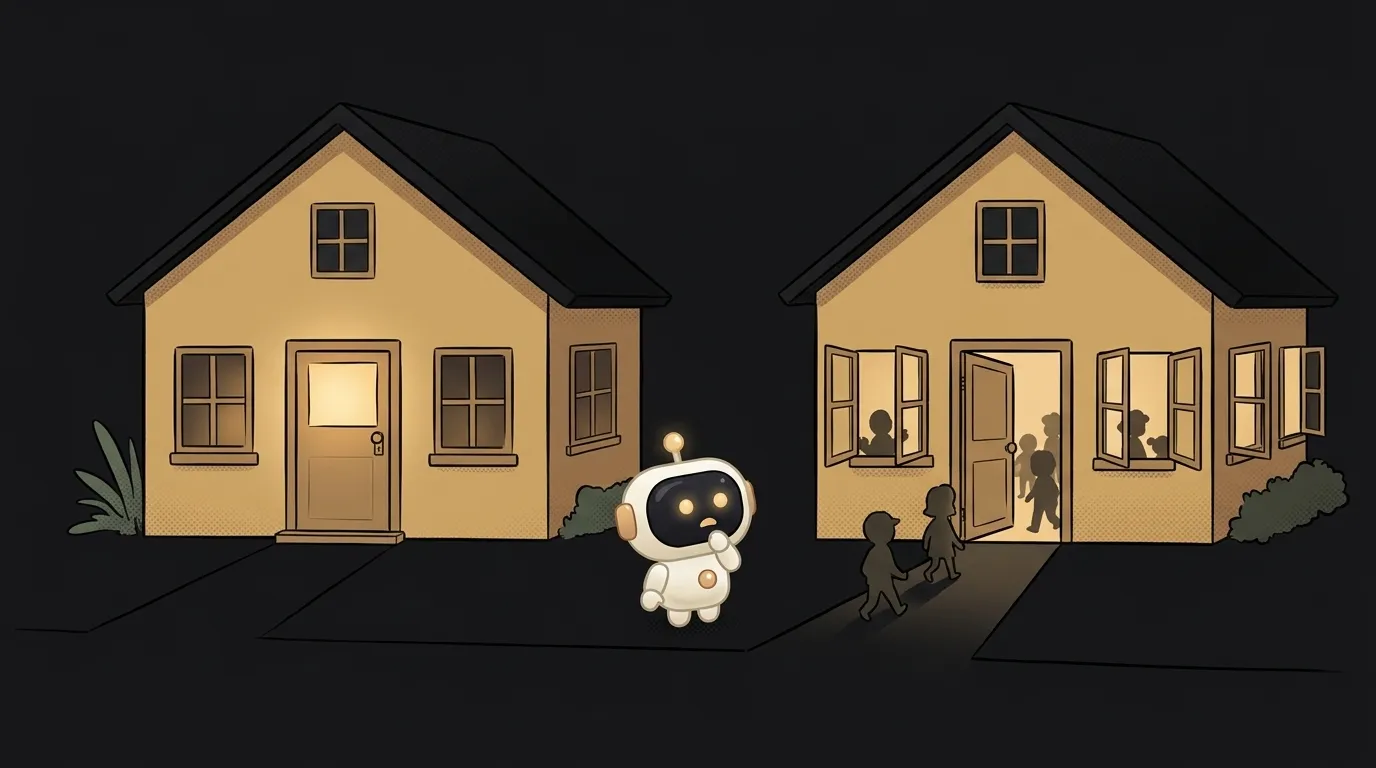
Run npx vite and try opening the site from your phone. It won't open. Run npx next dev and, unless your computer's firewall gets in the way, it will. And not just for you, but for anyone on that Wi-Fi: at a cafe, in a coworking space, in a dorm.
The difference is one number you usually don't see: the address the server listens on. Let's look at how localhost differs from 0.0.0.0, and when to pick each.
What these addresses mean
A computer has several network entrances. Usually two: an inner one and an outer one.
localhost(also127.0.0.1) — the inner door. Through it, a computer talks to itself. From outside, it doesn't exist. Full story in what is localhost.192.168.1.42— your address on the network. Your phone and other devices on the same Wi-Fi can see it. More on IP addresses.0.0.0.0— not a house address at all. It's an instruction to the server: "listen on every door at once."
That's where the confusion lives. 0.0.0.0 goes in server settings, not in a browser. From your phone you open http://192.168.1.42:5173, not 0.0.0.0.
Comparison, point by point
- Who can connect:
127.0.0.1— only this computer;0.0.0.0— anyone who can reach the machine over the network. - Open from a phone:
127.0.0.1— no;0.0.0.0— yes, via the computer's Wi-Fi address and the right port. - Risk:
127.0.0.1— minimal;0.0.0.0— the server is visible to the whole network, and on a rented machine to the whole internet. - For what:
127.0.0.1— development, databases, internal services;0.0.0.0— phone testing, a server inside a container, the production entry point. - In the list of ports:
127.0.0.1:3000or0.0.0.0:3000. That's how you find out the truth.
One command shows what you've got running:
ss -ltn           # Linux
lsof -iTCP -sTCP:LISTEN -n -P    # Mac
The address column tells you everything. If it says 0.0.0.0 or *, the server is open to the outside.
Who does what by default
Here's the surprise. Tools behave differently:
- Vite —
localhost. To open it up you needvite --host. - Next.js —
0.0.0.0, for bothnext devandnext start. The whole network sees your dev server right away. python3 -m http.server—0.0.0.0. I ran it and checked withss: it serves the current folder to the whole network.- Ollama —
127.0.0.1. It opens up withOLLAMA_HOST=0.0.0.0. - Docker with
-p 3000:3000— all interfaces.
Docker is a special story. Its docs warn directly: without an address, a port is published on all interfaces, bypassing host firewall rules. You set up ufw, closed everything extra — and the database in the container is sticking out to the internet. The fix is an explicit address:
docker run -p 127.0.0.1:5432:5432 postgres
Why this matters more now
AI tools have turned this mistake into a mass one. In June 2025, Backslash Security found hundreds of MCP servers bound to 0.0.0.0. Anyone on the same network could reach someone else's agent tools, and some of those servers allowed running commands on the machine. They called it NeighborJack.
Same with local models. A SentinelOne and Censys study counted about 175 thousand Ollama hosts exposed to the internet. Ollama has no built-in authentication, so anyone can use someone else's GPU. The usual cause is one line: OLLAMA_HOST=0.0.0.0, copied from a guide.
Ask an agent to bring up a server and it may write 0.0.0.0: fewer startup problems that way. It works right away — which is why nobody checks.
Which one is for you
I'll make the call:
- Developing locally —
127.0.0.1. Always, by default. Before starting up at a cafe, check what address the server listens on. In Next, add-H 127.0.0.1. - Need to check on a phone —
0.0.0.0or--host, but only at home and only for the test. At a cafe, use a tunnel. - Production on your own server — the app on
127.0.0.1, with only nginx facing out. Never expose your database or Redis. - Inside a container — the app listens on
0.0.0.0, otherwise the container won't accept traffic. But publish the port on the host as127.0.0.1:port:port.
Why does http://0.0.0.0:3000 sometimes open?
On Linux and Mac the system substitutes the local machine, so the page opens. On Windows that address often doesn't work. The right address for a browser is localhost. If the page doesn't open at all, see why localhost isn't working.
Is listening on 0.0.0.0 safe at home?
A home router usually doesn't let outside traffic in, so the risk is lower. But every device on that network can see you. With no password on the server, that's only okay for a quick check.
What is ::1?
That's 127.0.0.1 in IPv6. Sometimes localhost points to it, and a server listening only on 127.0.0.1 doesn't answer. If so, open 127.0.0.1 directly.
The AI Architect 2027 course: step by step from computer basics to your own app and first customers. 543 short lessons on your phone.
Read next

Ed25519 vs RSA — which SSH key to choose in 2026

What is sudo — and why it asks for your password, not the admin's

What is a tar.gz file — and why a tar archive can be bigger than the files

What is a command-line flag — and why git commit -ma breaks but -am works

scp or rsync — and why rsync sent 141 bytes instead of two megabytes the second time
