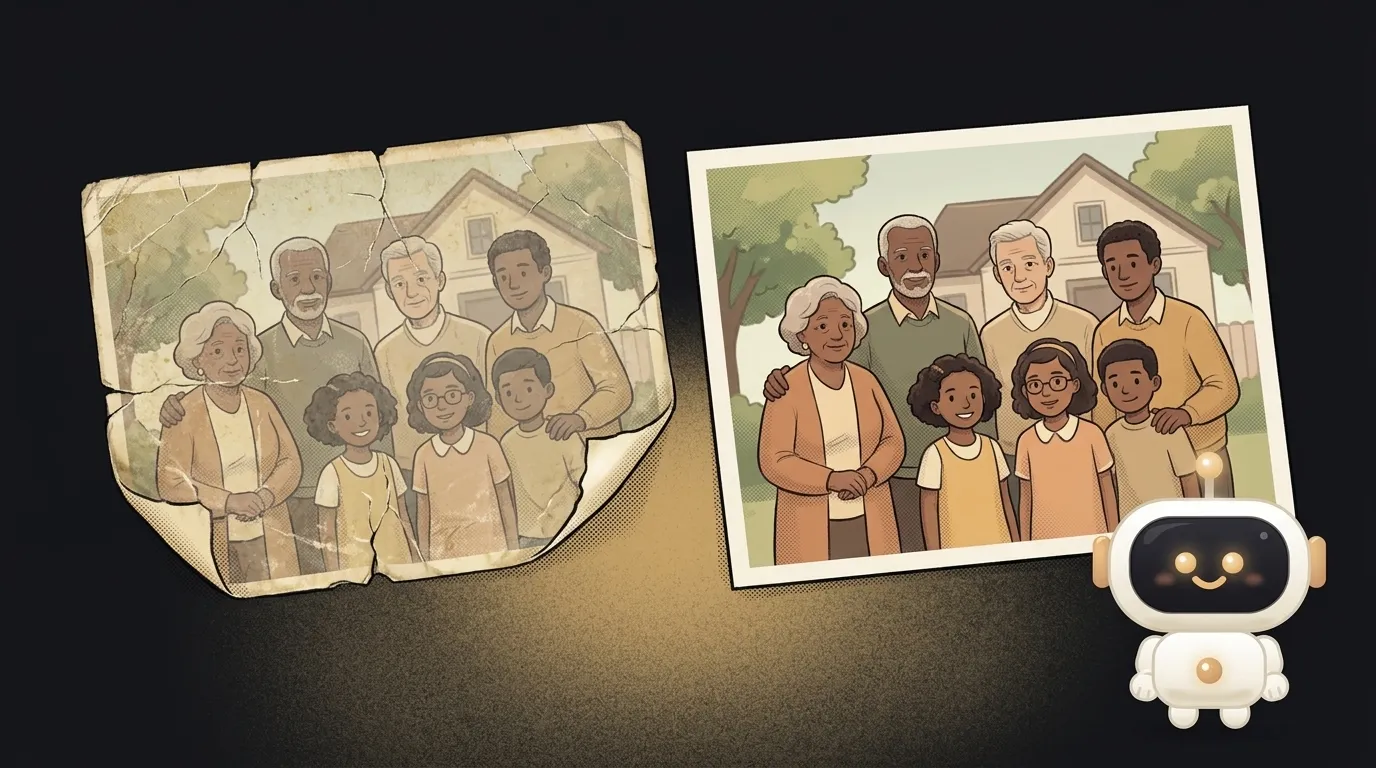
Ask in plain words — your phone finds the right screenshot out of thousands
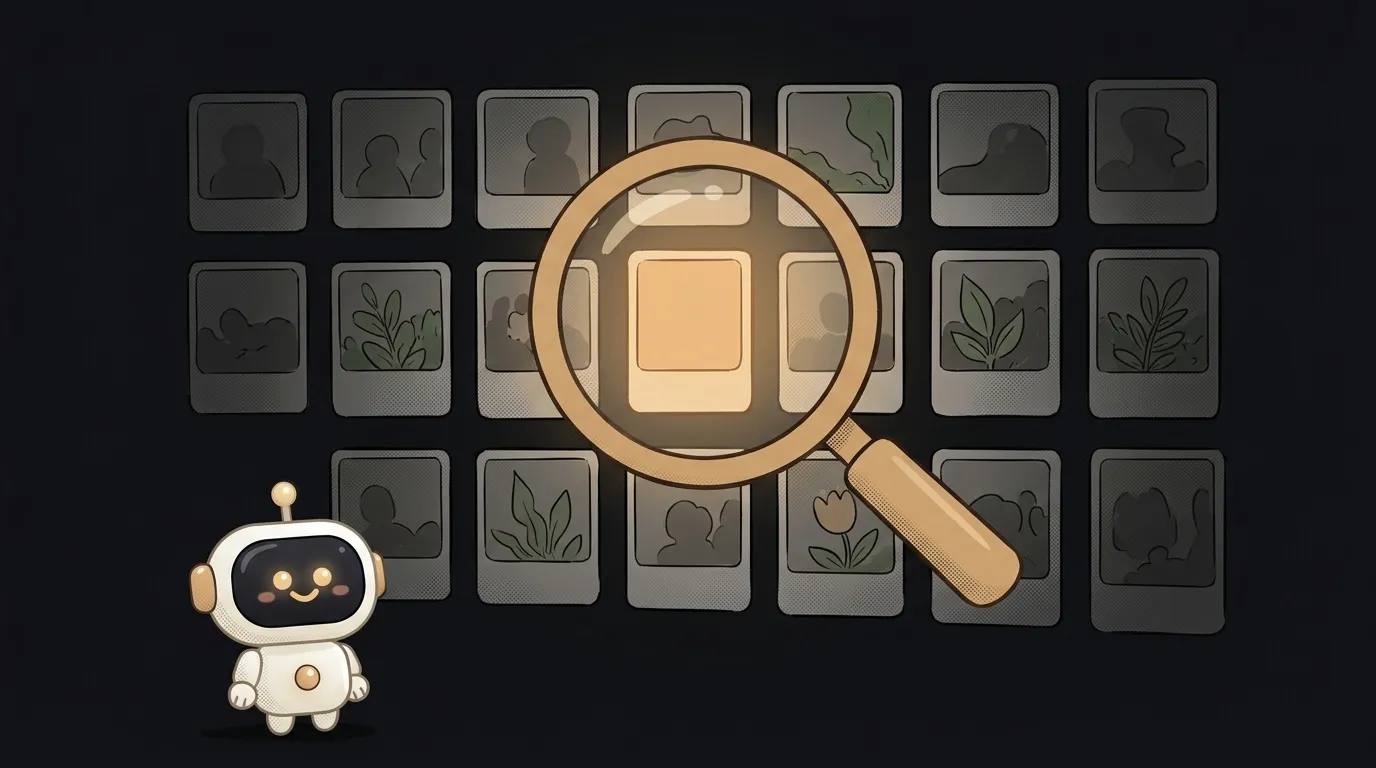
Here's the idea in one line: you type "where did I park near the mall" — and the app finds, among your 4000 photos, the exact screenshot with the floor and the spot number. Not by date, not by caption. By what's drawn in the picture.
And here's what's fresh. Photo search used to work the long way around: the model read the text off the image (OCR) and searched that. No text — no hit. In May, Google added a new piece to File Search — Gemini Embedding 2: it encodes the picture itself, not the letters on it, and drops images and text into one shared search space. You ask in words, the model pulls the right shot and shows you which one. That new ability is what this project rides on.
Why this one
Everyone hoards screenshots: a recipe a friend sent, a photo of the whiteboard after a meeting, a meme you need to forward, a shelf at the store so you won't forget the brand. Finding it later is torture — you thumb through the feed for ten minutes. Gallery search looks by date, but you don't remember the date — you remember what was in the picture. This app closes exactly that gap, and you'll use it yourself, every day.
And there's less "magic" here than it looks. The app is a pipe: you load photos into a File Search store, ask in plain language, get back the matching pictures. All the heavy lifting lives inside one ready-made tool.
What you'll learn
- Embeddings. A picture turns into a set of numbers — "coordinates of meaning." Images that mean similar things sit close together. You'll get hands-on with what's called embeddings.
- Search by meaning, not by words. A query like "a yard with a swing set" finds the playground photo even if there isn't a single letter on it.
- RAG and source citations. The model doesn't invent an answer — it pulls your own files and shows which shot it took them from. That's honest search, with proof.
A ready starter prompt
Don't ask the agent to "make a photo search" — it'll start guessing the store and the format. Give it context, an example, and limits:
Build an app to search my screenshots.The strong prompt leaves no room to guess: it's clear that we encode the picture (not the text), there's an example query, it says how many shots to show and to add a source citation next to each. The first result lands closer to what you wanted.
What you'll end up with
You type into the field: "that pasta recipe Lena sent." The screenshot has almost no text — just a photo of a plate and a couple of handwritten lines. Old gallery search is helpless here. But your app shows it within a second — because the picture matched, not the letters. Next to it, a note: "this shot." You didn't scroll the feed. You just asked in words.
Start with a dozen of your own screenshots and one query — and you'll have a thing that pulls in a second what used to take ten minutes of scrolling. If you later want to store the embeddings yourself, a vector database is the next step — but for a weekend, ready-made File Search is plenty.
Short story-lessons, an agent simulator and daily practice — in our mobile app. Free.
Source: Gemini API File Search is now multimodal (Google Blog)
Read next

A web page that watches your camera live — 30 frames a second, offline, no server
Describe a place in words — and hear it. AI now mixes sound as a scene, not clips

Drag a folder — your site is live. No signup needed
One image — and your character talks back, live
One selfie — and you're in any era, with the same face