What is a fork on GitHub — and how it differs from a clone
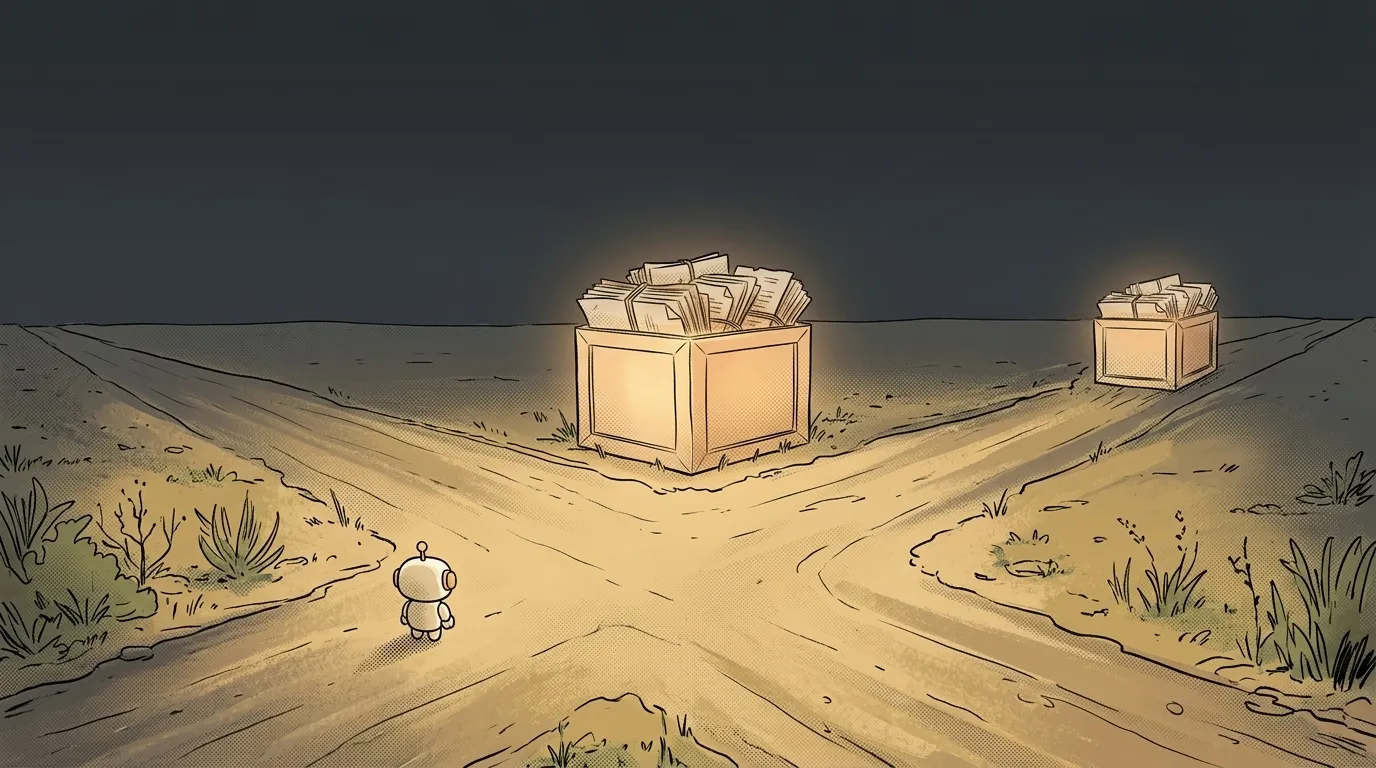
You found a project on GitHub you want to fix. You hit Fork. The page reloads, seems to have worked.
And your disk is empty. Not a single file.
Here's the first thing to get about forking: it doesn't happen on your machine. It happens on GitHub's servers.
What a fork is, in plain words
A fork is a copy of someone else's repository that GitHub drops into your account.
There was microsoft/vscode — now there's also yourname/vscode. Identical: same files, full commit history, all branches. But you own this one.
And because you own it, you can do anything with it. Break it, rewrite it, delete half of it. The original doesn't notice: it has its copy, you have yours.
The key phrase is a copy on the server. A fork doesn't download code to your computer and doesn't give you rights over the original. It just spins up a second universe of the project where you're in charge.
Fork or clone — what's the difference
People mix these two up constantly, and the difference is simple: where the copy shows up.
- Fork — a copy on GitHub, in your account. A button on the website.
- Clone — a copy on your computer. The
git clonecommand in a terminal.
One doesn't replace the other; they happen in order. You fork the project on GitHub, then clone your fork locally — and now you have files you can open in an editor.
git clone https://github.com/yourname/vscode.git
Notice: you clone your fork, not the original. You can clone someone's repo directly — the code downloads fine. But you won't be able to push anything back: git push hits a wall, because you have no write access to a project that isn't yours.
What a fork is actually for
One thing above all: sending a pull request to a project nobody invited you to.
The logic goes like this. To propose a change, it has to live somewhere public. You can't write to the original. You can write to your fork. So:
- Fork the project.
- Clone the fork locally.
- Edit, commit, push — to your fork.
- On GitHub, hit "Compare & pull request" — your change goes to the original author for review.
That's the only door through which an outsider can change someone else's open project. It's exactly how all of open source works: millions of edits arrive from strangers' forks.
The second scenario is simpler: you're not proposing anything, you just want your own version. Took a landing page template, forked it, reshaped it for yourself — done. The "forked from" line stays forever, but the copy is yours.
Why a fork quietly goes stale
Here's the trap everyone walks into.
A fork never updates itself. Ever. You made a copy, and it froze in whatever state the project was in that minute.
The original moves on: bugs get fixed, features land, versions ship. Your fork hears none of it. A month later GitHub tells you, in dull grey text, "This branch is 217 commits behind." Two hundred and seventeen commits that passed you by.
The fix is to wire up a second address by hand — the original. By convention it's called upstream:
git remote add upstream https://github.com/microsoft/vscode.git
git fetch upstream
git merge upstream/main
The first line is a one-time thing: it tells Git where the original lives. After that fetch pulls in fresh commits and merge folds them into your branch.
A rule worth keeping: update your fork BEFORE you start editing. Write twenty commits of your own first and then pull in two hundred of theirs, and you'll get merge conflicts in files you never even opened.
Three copies of one project — and that's normal
By now you're holding three versions of the same project, and that's fine:
- The original on GitHub — someone else's, read-only for you.
- Your fork on GitHub — yours, this is what you push to.
- The clone on your computer — where you actually work.
Keep that trio in mind and half the confusing questions, like "why won't my push go through," answer themselves.
Is forking legal?
Yes, if the project has an open licence. The Fork button on a public repo is a normal GitHub feature, not a way around protection. What you may do with the code afterwards — sell it, close it, ship it in your product — is decided by the project's licence, the LICENSE file in the root. Read it before you build a business on a fork.
Can I delete a fork if I broke everything?
You can, and it's often the fastest way out. Deleting your fork doesn't touch the original at all — you can fork again and start clean. The one thing that goes with it: open pull requests from that fork get closed, because the branch they came from disappears.
The AI Architect 2027 course: step by step from computer basics to your own app and first customers. 543 short lessons on your phone.
Read next

Ed25519 vs RSA — which SSH key to choose in 2026

What is sudo — and why it asks for your password, not the admin's

What is a tar.gz file — and why a tar archive can be bigger than the files

What is a command-line flag — and why git commit -ma breaks but -am works

scp or rsync — and why rsync sent 141 bytes instead of two megabytes the second time
