#terminal

How to set up ~/.ssh/config — short server names instead of long commands
How to set up the ~/.ssh/config file: server aliases, a key and port per host. Step by step, checked with ssh -G, plus the main trap — the order of blocks.

Why does SSH disconnect on its own (Broken pipe) — three causes and how to fix them
Why your SSH connection drops with Broken pipe or a timeout: an idle router, a sleeping laptop, a server auto-logout. How to find the cause and fix it.

What is sudo — and why it asks for your password, not the admin's
What is sudo, in plain words: how it works, whose password it asks for, why sudo npm and sudo pip break your project, and when you really need it.

What is a tar.gz file — and why a tar archive can be bigger than the files
What a tar.gz (tarball) is, in plain words: tar vs gzip, how to extract it with tar -xf, and how to peek inside first so files don't spill everywhere.

What is a command-line flag — and why git commit -ma breaks but -am works
What command-line flags (-r, --force) are: reading glued -rf, what the double dash -- does, why -v means different things, and when order matters.

How to read command help (--help and man) — and find your version's flags in a minute
How to use --help and man in the terminal: where flags live, how to read [ ] and | in a usage line, and how to give AI the help for your exact version.

Why Ctrl+C doesn't stop a program — and how one except line causes it
Why Ctrl+C doesn't stop a program: the script catches the signal itself, Docker and PID 1, a stuck terminal. How to find the cause and stop it for sure.

What is stdin — and why a loop over a server list only handles the first one
What stdin (standard input) is, in plain words: where a program reads data from, why CI and AI agents hang on a question, and how to fix it.

What is a process PID — and why kill on an old number can kill someone else's program
What a PID (process ID) is, in plain words: how to find it, what kill does with it, why PID 1 is special, and why a number saved to a file is risky.

How to compare two files — and why diff says every line is different
How to compare two files in the terminal: diff, cmp, word-level and folder comparisons, and what to do when diff flags lines that look identical.

.bashrc or .bash_profile — and why your commands vanished after you created .bash_profile
.bashrc or .bash_profile: the difference, which file the terminal, SSH and Mac read, where PATH and aliases go, and why a new .bash_profile breaks .profile.
Why sudo says command not found — even though the command works without sudo
Why sudo says command not found when it works without sudo: 5 causes from secure_path to sudo cd — how to check and fix each one in a minute.
What is umask — and why 666 minus 033 isn't 633
What umask is in Linux, in plain words: why a new file gets 644 instead of 666, why a script is born unable to run, and how to lock down secrets from the start.

Single or double quotes in the terminal — and where your $5 went
Single vs double quotes in bash and zsh: how they differ, why echo eats $5 and exclamation marks, and which quotes to use for JSON, git and curl.
How to use tmux — so a command on your server survives a closed laptop
How to use tmux step by step: start a server session, detach and come back, split the screen and scroll output. Five moves, not a 100-key cheat sheet.

What is xargs — and why rm can't hear your pipe
What is xargs in plain words: why you need it, why echo file | rm does nothing, how to avoid tripping on spaces and quotes, and what xargs -0 does.

What is a dotfile — and why they were hidden by accident
What is a dotfile in plain words: why files like .env and .gitignore start with a dot, how to see them, and why cp with an asterisk loses them.

Terminal keyboard shortcuts — 8 combos so you stop holding the arrow key
Terminal keyboard shortcuts for beginners: search history with Ctrl+R, jump to line start, delete a word, paste back what you cut. 8 combos for Mac and Linux.
How to create an alias in the terminal — and keep it forever
How to create a terminal alias on macOS and Linux: a short command instead of a long one, saving it in .zshrc or .bashrc, and why aliases fail in scripts.

curl vs wget — the difference, and why curl saved an empty file
curl vs wget, which to pick: the difference in plain words. Why curl prints a file to the terminal, gets lost on redirects, and when wget is easier.

Why your terminal is frozen and won't respond to keys — and what Ctrl+S has to do with it
Why your terminal is frozen and won't respond to keys: a command waiting for input, an unclosed quote, or a pressed Ctrl+S. How to check and get it back.
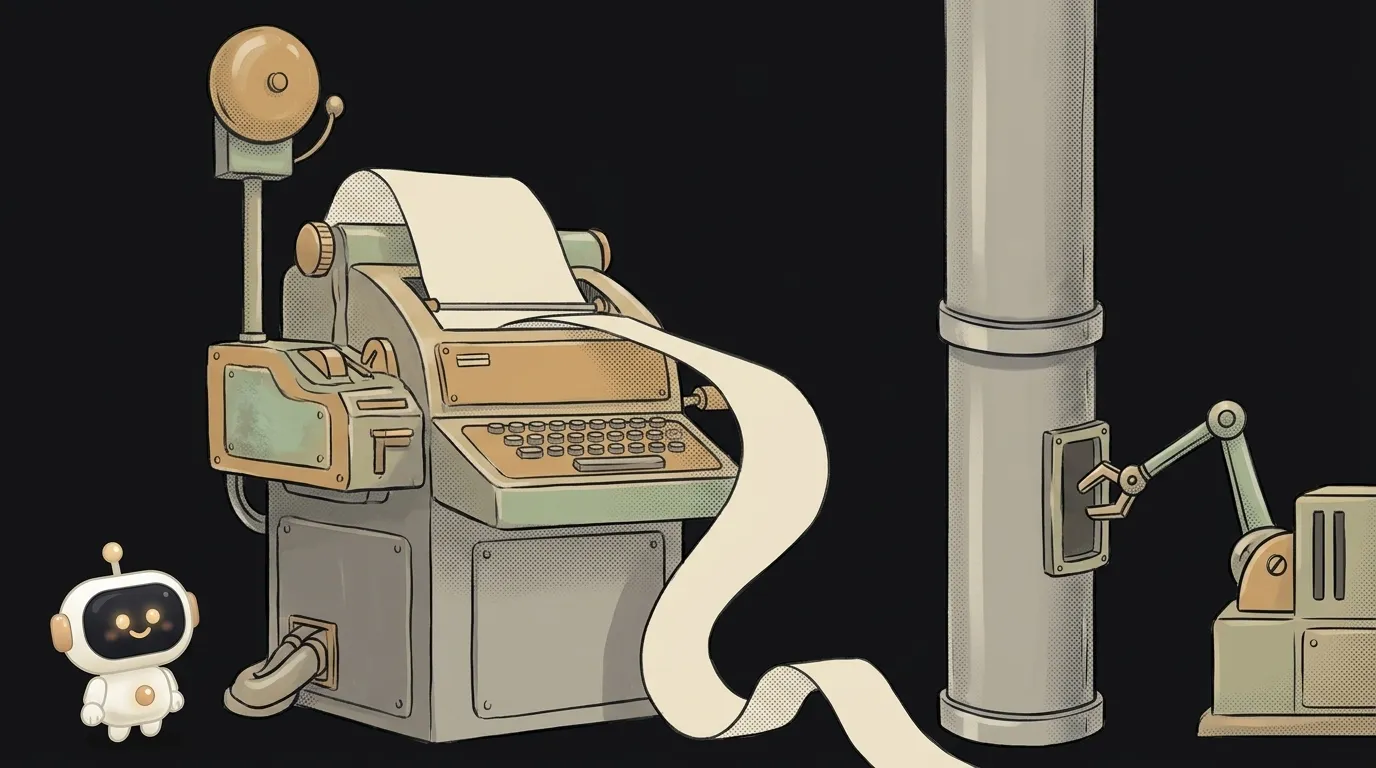
What is a TTY — and why a program goes silent when output goes to a file
What a TTY in the terminal is, in plain words: why colors vanish in a pipe, Python stays silent until the end, and why you get a not-a-TTY error.

What is a subshell — and why your loop counter is back to 0
What a subshell in bash is, in plain words: why a variable set in a while loop after a pipe vanishes, what ( ) is for, and how to keep cd and counters.

What is a heredoc (<<EOF) — and why every $ vanished from your script
What a heredoc in bash is, in plain words: how cat <<EOF works, why the $ inside disappear, why to quote 'EOF', and how AI agents use it for commits.

How to watch a log file in real time — and why tail -f goes quiet overnight
How to watch a log file in real time with tail -f: filter errors without stalls, tail -F after log rotation, less +F and Docker logs — step by step.

find vs grep — which command to search with, and why grep takes forever
find vs grep, the difference in plain words: one finds files by name, the other finds text inside. When to use which, and how to combine them.
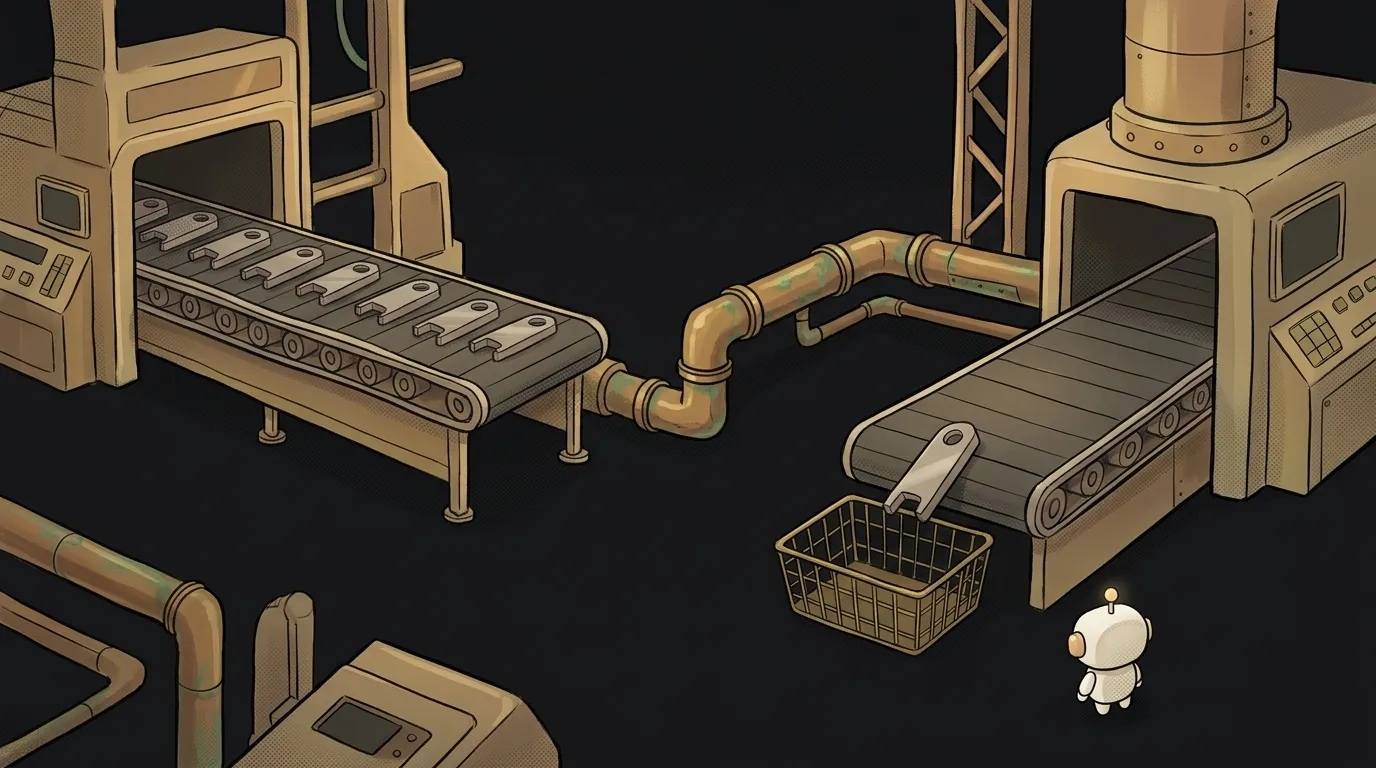
What is a pipe in the terminal — and why an endless command ends instantly
What a pipe (|) is in the terminal, in plain words: why commands run at the same time, where Broken pipe comes from, and how to feed logs straight to AI.

source vs ./script.sh — why your script ran and nothing changed
How source differs from running ./script.sh: why cd and export don't stick, why activate breaks, and why exit in a sourced file closes your terminal.
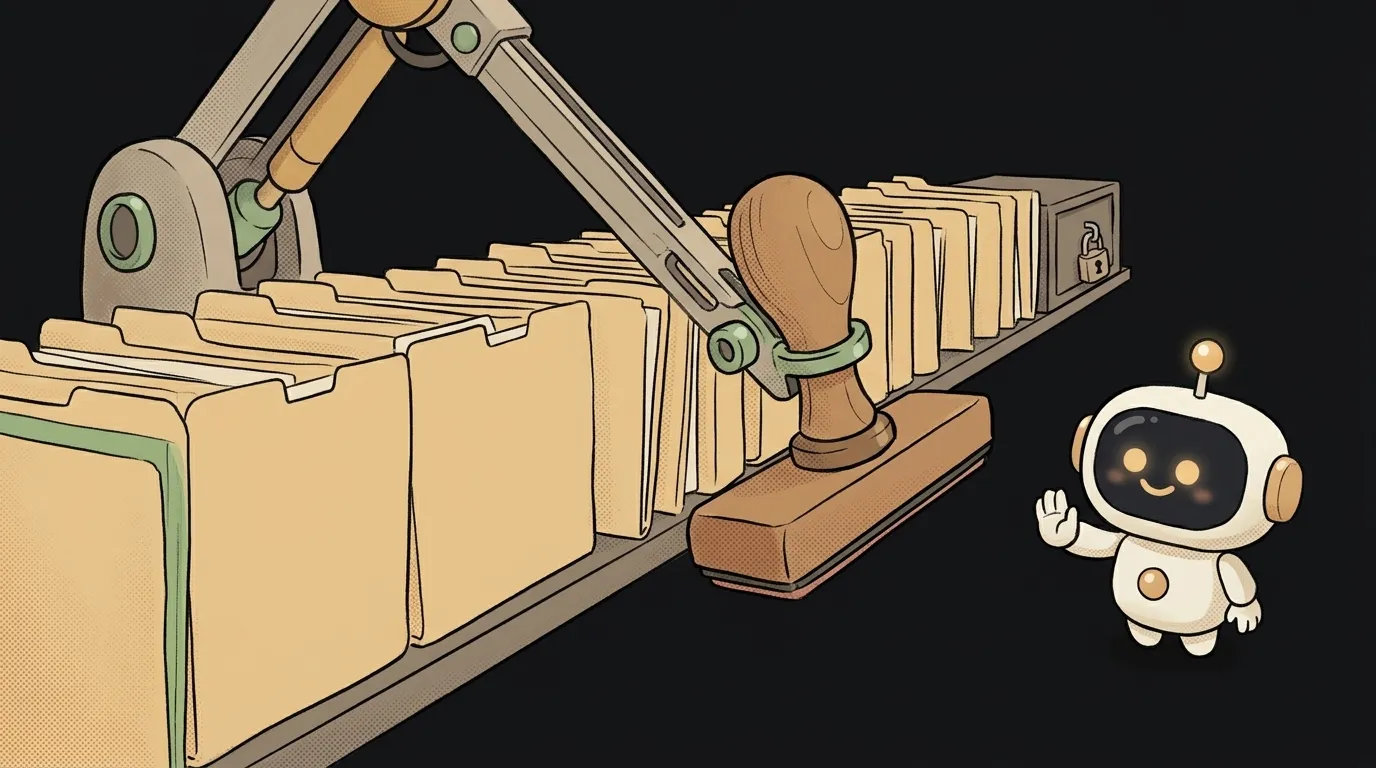
How to replace text in many files at once — without breaking your .git folder
How to replace text across many files from the terminal: git grep, sed and perl, the macOS vs Linux differences, reviewing the result, and a one-command undo.

What is PATH — and why a program is installed but the terminal can't find it
What the PATH variable is in plain words: why you get command not found after installing, how to view PATH, add a folder and not break your terminal.

What is a file descriptor — and why Too many open files happens with no files open
What a file descriptor is in plain words: where Too many open files and EMFILE come from, why network connections count too, and how to find a leak.
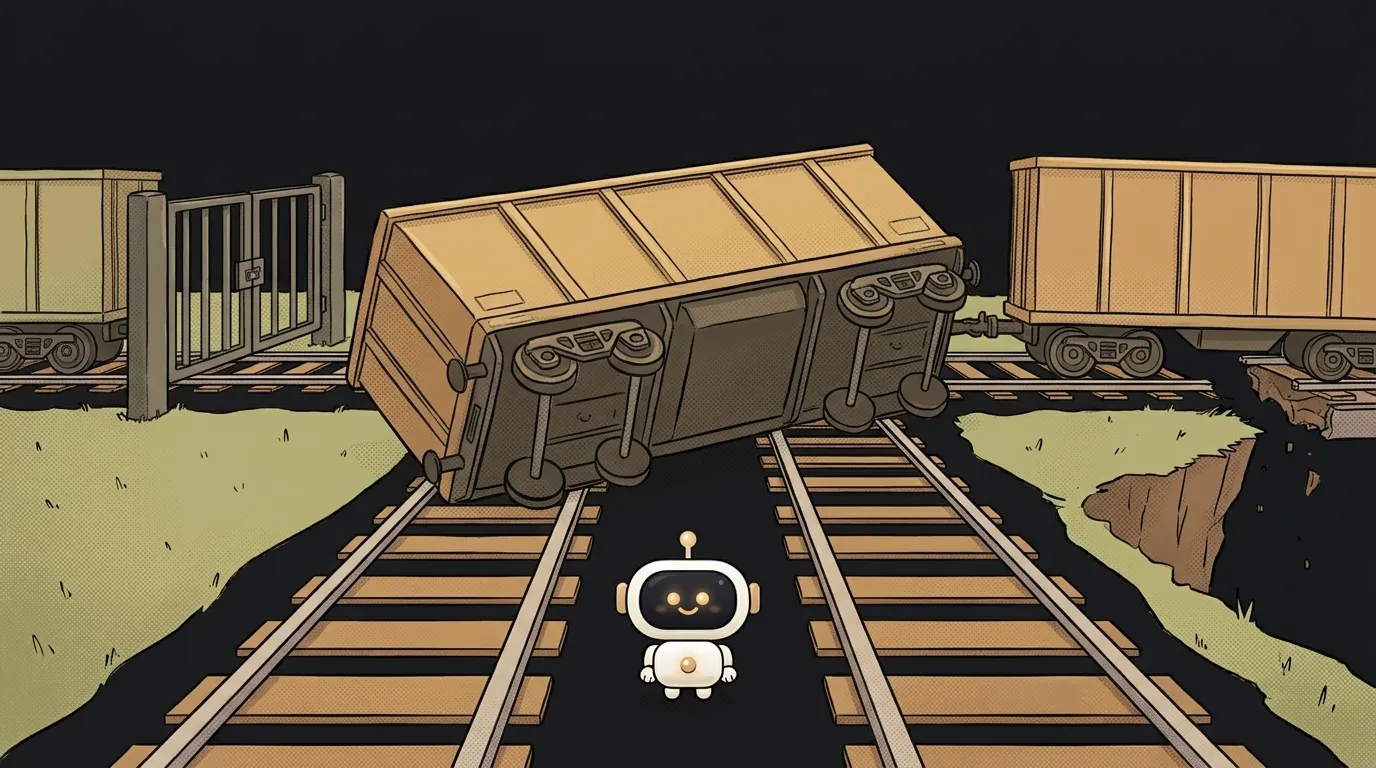
&& vs ; in the terminal — the difference, and how one character ships broken code
How && differs from ; in bash: what happens when the first command fails, which exit code the chain returns, what to do in PowerShell and when to use each.

Why your script says Permission denied — even as root, and what AI has to do with it
Permission denied when running a script: four real causes and how to check each one. Why sudo doesn't help, what Git breaks, and how to fix the ^M error.
What is a symlink — and how one slash wipes the real folder
What a symbolic link is in plain words: how ln -s works, how it differs from a hard link, and why rm -r with a slash deletes the real folder's contents.

What is a glob pattern — and why src/**/*.js without quotes misses files
A glob pattern in plain words: what * and ** mean, why a command without quotes loses files, and why *.js means different things in .gitignore and ESLint.

How to keep a program running after closing the terminal — nohup, tmux and systemd
How to run a program on a server so it survives closing the terminal: step by step with nohup, tmux and systemd, and why the & symbol isn't enough.

What are stdout and stderr — and why errors don't land in your log file
What are stdout and stderr in plain words: every program's two outputs, how > and 2>&1 work, why order matters, and why Python logs in Docker show up late.
What is an exit code — and why CI can be green while tests fail
What is a program exit code in plain words: what 0, 1, 127, 130 and 137 mean, how to check it with echo $? and why a single pipe | can break your CI.

What is a file path — and why it works on your computer but not on the server
What a file path is, in plain words: a file's address on disk. How an absolute path differs from a relative one, and what ./ and ../ mean in code.
What is a CLI — why the top AI tools look like a black window
A CLI is a program with no windows or buttons, driven by text. Learn to read any command with one simple pattern — and why AI agents live in CLIs.
Terminal commands every beginner needs — 8 to stop fearing the black window
Terminal commands for beginners: 8 of them, enough to calmly follow AI instructions — enter a folder, start a project, stop the server, repeat a command.
What is the terminal — the black window nobody should fear
The terminal looks like a hacker window from the movies. It's really just a chat with your computer: you type a command, it replies. Let's demystify it.