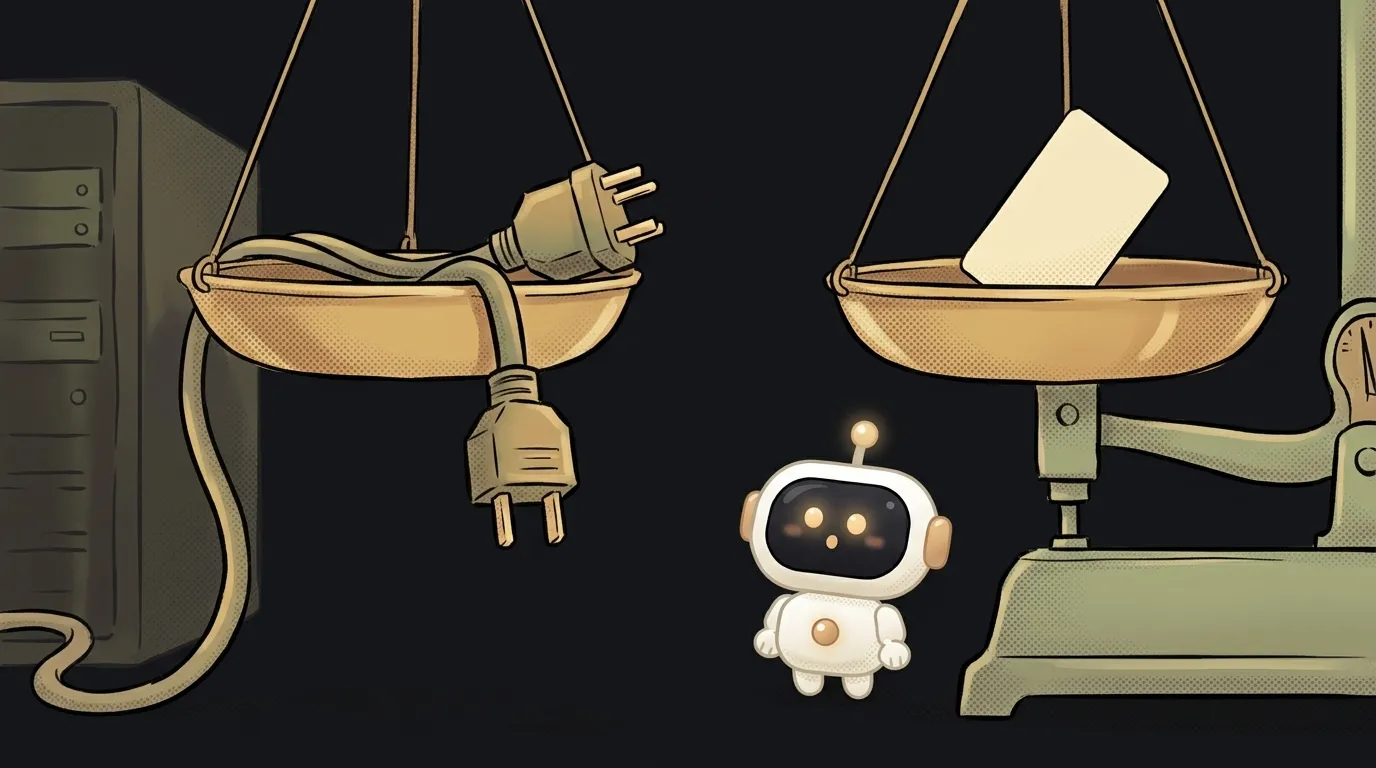
What is human-in-the-loop — and why your approval gets skipped silently

You wrote an approval function: before anything dangerous, the agent asks you. You tested it on a couple of commands — works.
A week later the agent deleted a folder without asking.
The function is intact. It was never called. That's the central trap of human-in-the-loop: it's easy to build an approval that fires sometimes — and fails silently.
What human-in-the-loop means
Literally, a human inside the loop. It's the point where automation stops and waits for a person's decision instead of acting on its own.
For an AI agent it looks simple: the agent is about to call a tool, and first it shows you exactly what it wants to do. You say yes — the call goes through. You say no — the agent gets a refusal and continues another way.
The key part: the gate sits before the action, not after. A review of what already happened isn't human-in-the-loop, it's a review of consequences.
Two different human-in-the-loops
The term predates agents, and search results mix up two meanings.
In model training it means the people who label data and compare answers: their choices become the signal a model is tuned on. That's how RLHF works — a human in the training loop.
In agents it means approving one concrete action, right now. No training involved, just "ask before you press".
What they share: humans belong where the machine is confident but could be confidently wrong.
Where to put the button
A simple rule that saves your nerves: sort actions not by "dangerous / harmless" but by reversibility.
- Reads — free. Look at files, query the database, search the web. Wrong guess costs nothing.
- Reversible writes — your call. A draft, a git branch, a local file. One minute to undo.
- Irreversible — approval only. Money, anything sent outside, deletions, permissions, production.
A gate on every step kills the point of the agent: you sit there clicking yes three hundred times, stop reading, and then click yes on the four hundred and first one that deserved a read. The full breakdown is in the actions you should never pre-approve.
How it actually works inside
In mature agent SDKs, approval isn't one check but a queue of them. In the Claude Agent SDK, for instance, a tool request passes six steps in order: hooks first, then deny rules, then ask rules, then the permission mode, then allow rules — and only at the end the callback that shows you the question.
That order isn't a formality. It explains the trap from the top of this article.
The trap: allowed earlier means never asked
Here's what happens. You added a tool to your allow list so you wouldn't be pestered about every little thing. Now its calls get approved at the "allow rules" step — that is, before your callback. The callback simply isn't invoked.
The docs say it outright: an auto-approved call skips your callback, so the checks you put in there are "silently bypassed" for that tool. No error, no log, nothing.
Three practical consequences:
- Allow narrowly. Allowing
Bashwholesale allows everything,rmincluded. A rule likeBash(ls *)allows only the harmless calls; the rest still get asked. - If a check must always run, make it a hook: hooks go first and apply even in modes that never prompt.
- Remember subagents. They inherit the parent's permission mode. Start the main agent in a no-questions mode and every helper it spawns runs that way too — with a different system prompt.
What a question worth answering looks like
A gate only works as well as its question. "The agent wants to perform an action. Allow?" isn't an approval, it's a go-away button.
A good approval dialog shows four things:
- The exact command or request, in full, with arguments. Not "delete files" but the actual line — the arguments are where the difference between "clear the cache" and "wipe the project" hides.
- What will change. For a file edit, a diff. For a database, how many rows it touches.
- Why. One sentence from the agent: which step of the plan this closes.
- Three answers, not two: allow once, allow always for this kind of call, deny. Without the middle option people either click "always" on everything or drown in questions.
And remember alert fatigue: past a dozen questions per session, you stop reading them. The thing to reduce isn't human carelessness, it's the number of questions.
Doesn't this kill the agent's autonomy?
Not if the gates are few. The working setup is "read anything, write nothing unasked": the agent gathers its own context, plans on its own, and stops exactly at the actions that leave marks. That isn't slower, it's just not frightening.
Can another model do the approving?
Partly. A classifier model filters noise and routine well, and SDKs already ship such modes. But it has the same weakness as the main agent: convincing text inside the data can talk it around — that's prompt injection. For anything irreversible, keep a live human.
Doesn't a sandbox solve the same problem?
It solves the neighbouring one. A sandbox limits where the agent can do damage — inside the box, let it wreck whatever it likes. Human-in-the-loop decides what it may do outside: move money, send mail, ship a release. A sandbox won't save you from a wrong payment, and approval won't save you from bad code in isolation. You want both.
The AI Architect 2027 course: step by step from computer basics to your own app and first customers. 543 short lessons on your phone.
Read next

What is headless mode for an AI agent — and why it silently skips steps

What is a hook in an AI agent — the rule the model can't ignore
What is a slash command in an AI agent — and why it's just a saved prompt

What is an Agent Skill — and why it costs almost nothing

What is a subagent — and why it saves context, not time